Essential Tools for Creators
8 Essential Tools for UGC Creators
You don’t need a professional studio to create high-quality UGC. A smartphone and a few well-chosen tools can be enough to create polished content for TikTok, Instagram Reels, YouTube Shorts and brand collaborations.
The key is not to buy everything at once. Start with the basics, then upgrade your setup as your skills and paid work grow.
1. A Reliable Smartphone
Your phone is the centre of your UGC setup. Most modern smartphones are more than capable of producing high-quality video for social media and brand content.
Before filming:
Clean your camera lens.
Use the rear camera when possible for higher quality.
Film vertically for most TikTok, Reels and Shorts content.
Check the brand brief before choosing resolution or frame rate.
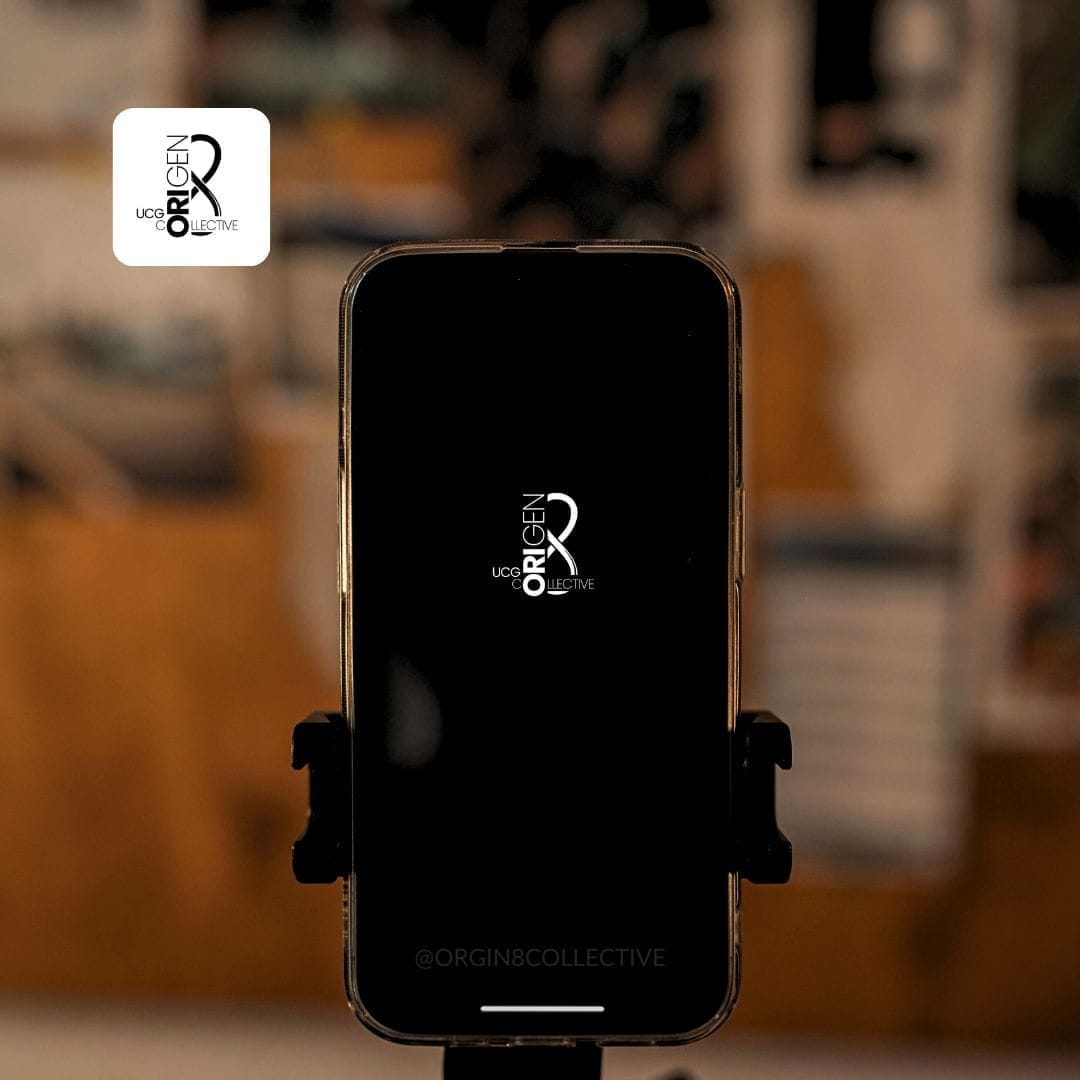
You do not need to upgrade your phone just to start creating UGC.
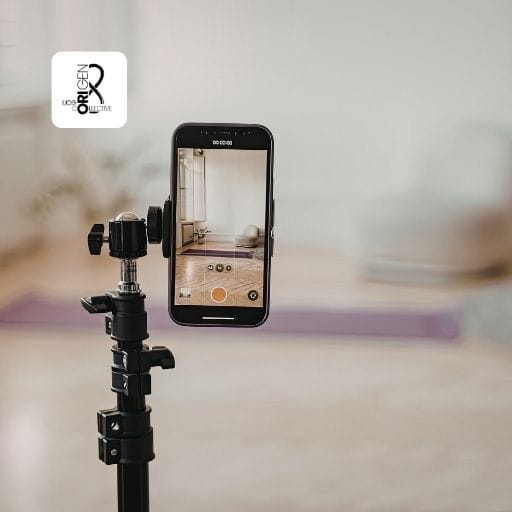
2. Smartphone Tripod
A tripod is one of the most useful pieces of equipment a creator can own.
Look for a tripod that has:
Adjustable height.
A secure phone holder.
Vertical and horizontal positioning.
A Bluetooth remote if possible.
A stable base.
A taller tripod is useful for talking-head and lifestyle content, while a smaller desktop tripod is ideal for product shots.
3. Ring Light or LED Light
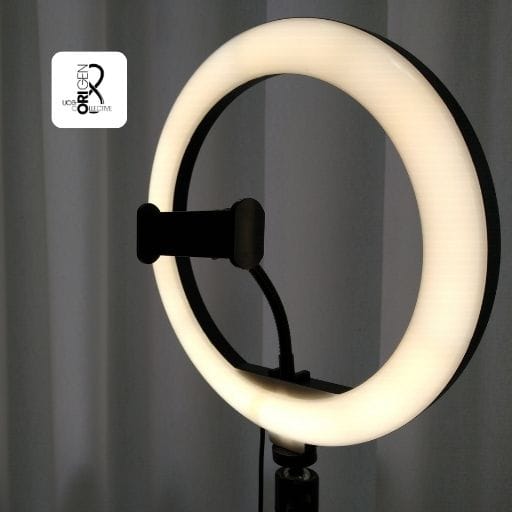
Good lighting can instantly make your videos look more professional. A ring light or LED panel gives you instant control.
Ring Light
Ring lights are simple and affordable and work particularly well for:
Talking-head videos.
Beauty content
Skincare demonstrations
Tutorials
LED Panels
LED panels are more flexible and can often create a more natural look. They are particularly useful for:
Product demonstrations
Food content
Lifestyle videos
Cinematic setups
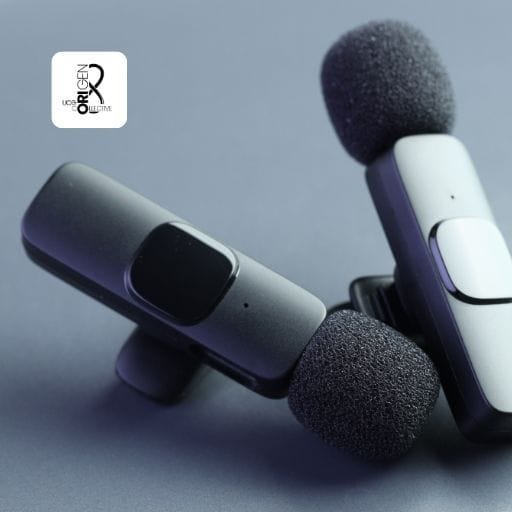
4. Wireless Microphone
People will often tolerate slightly imperfect video. Bad audio is much harder to ignore. A microphone is recommended for:
Testimonials
Talking-head videos.
Tutorials
Product reviews
Voice-led content
5. Portable Power Bank
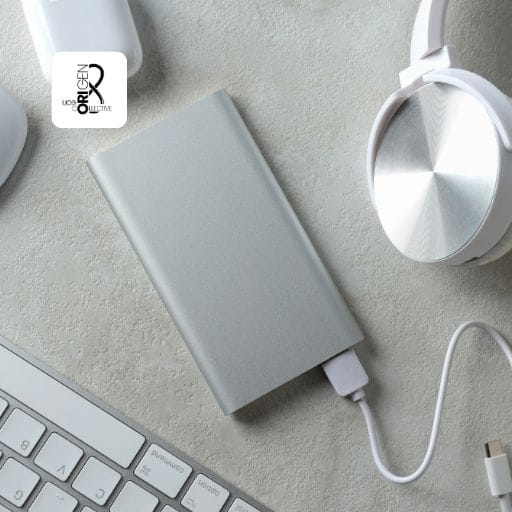
If you're creating content outside your home, at events, while travelling or during long shoot days, a portable power bank is extremely useful.
Look for one that is compact but powerful enough to charge your phone at least once.
6. Extra Phone Storage
Video files take up a lot of space, especially if you're filming in 4K. Depending on your phone, you may want to use:
Cloud storage
An external SSD
Compatible flash drive
A computer or laptop for backups
Keeping your files organised also helps prevent accidentally deleting footage before a project is finished.

7. Small Product Photography Props
If you create beauty, skincare, food or product-focused UGC, a few inexpensive props can improve your shots. Useful options include:
Acrylic risers
Small trays
Mirrors
Neutral fabrics
Artificial plants
Small tables or platforms
The goal isn't to make the setup look complicated. Your product should remain the focus.
8. Editing Apps
You don't need expensive desktop software when you're starting. Useful creator apps include:
CapCut
Great for short-form video editing, captions and simple transitions.
Canva
Useful for portfolios, thumbnails, media kits, graphics and social posts.
Adobe Lightroom
Helpful for photo editing and maintaining a consistent visual style.
Start with free versions where possible before paying for subscriptions.
✅ List Recap
Beginner UGC starter kit:
Smartphone
Smartphone Tripod
LED or Ring Light
Wireless Microphone
Portable Powerbank
Extra Phone Storage
Product Photography Props
Editing Apps
SHARE