How to Capture Content with Your Phone
7 simple steps to creating professional UGC with your phone.
You don’t need a fancy camera to create scroll-stopping content. With the right settings, a few affordable tools, and some shot ideas, your phone can capture cinematic content that feels intentional and professional. Here’s how:
1. Dial in Your Phone Settings
Get this right first so your footage looks smooth and polished.
Frame Rate
24 fps or 30 fps → Everyday, natural, cinematic look
60 fps → Movement, walking, transitions
120 fps+ → Slow motion (use sparingly)
Resolution
1080p → Balanced quality & storage
4K → Crisp & professional (my go-to)
8K → Overkill for most vloggers
⚡ Pro Tip: Record in 4K/30 fps and export in 1080p for quality + manageable file sizes.
2. Get Minimal but Essential Gear
You don’t need a full studio setup—just a few basics:
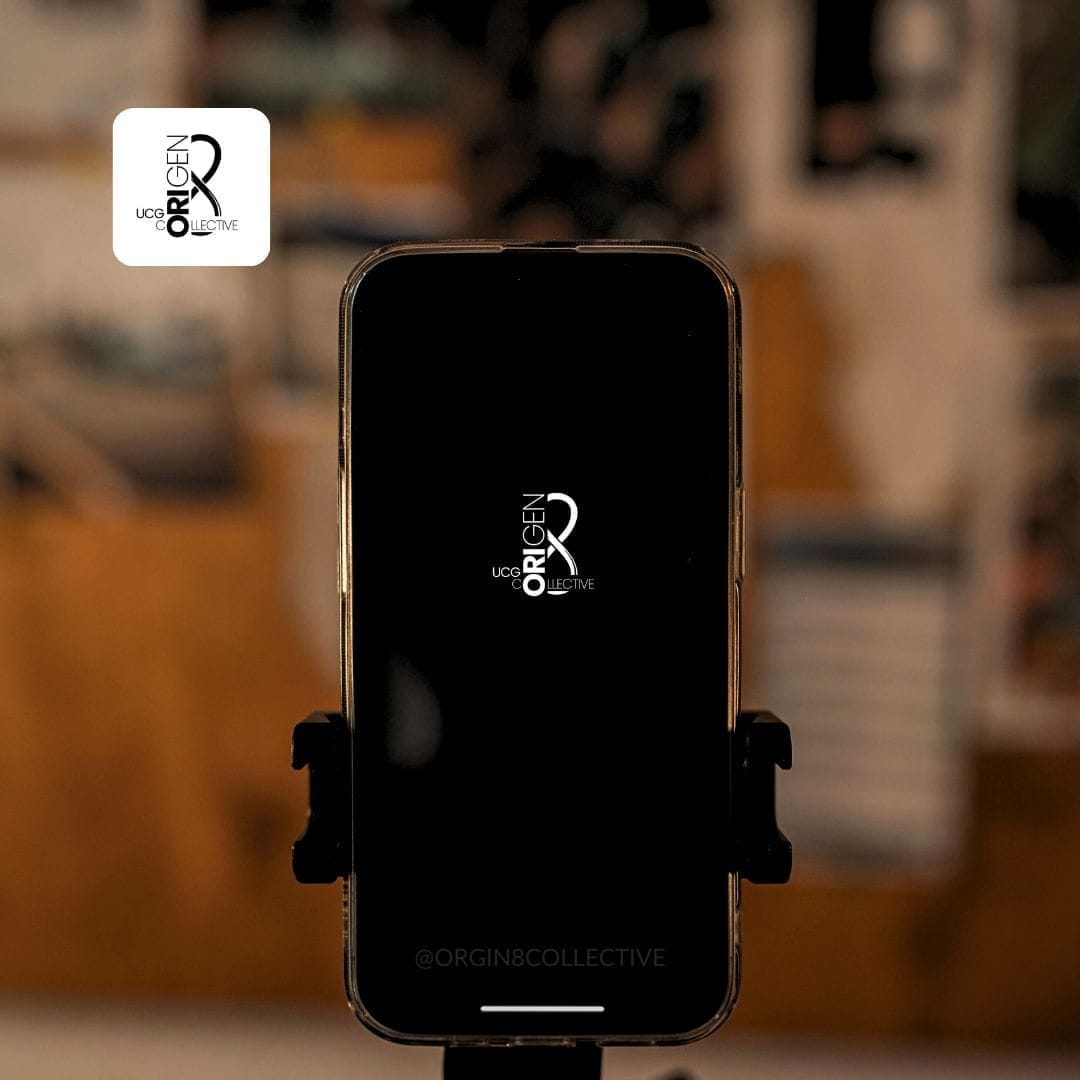
Tripod + Phone Mount → Stable, flexible angles.
Gimbal or Dolly → Smooth, cinematic motion shots.
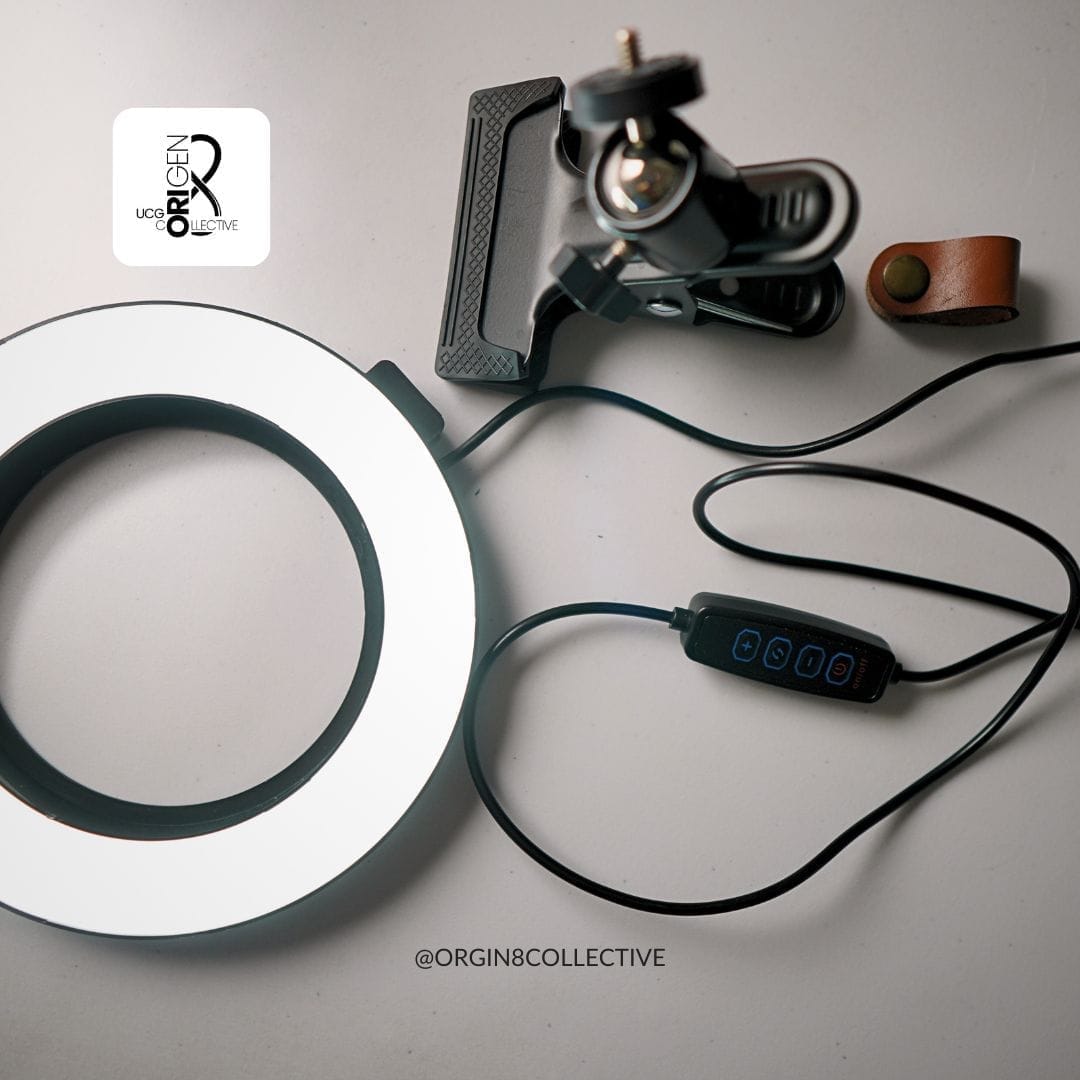
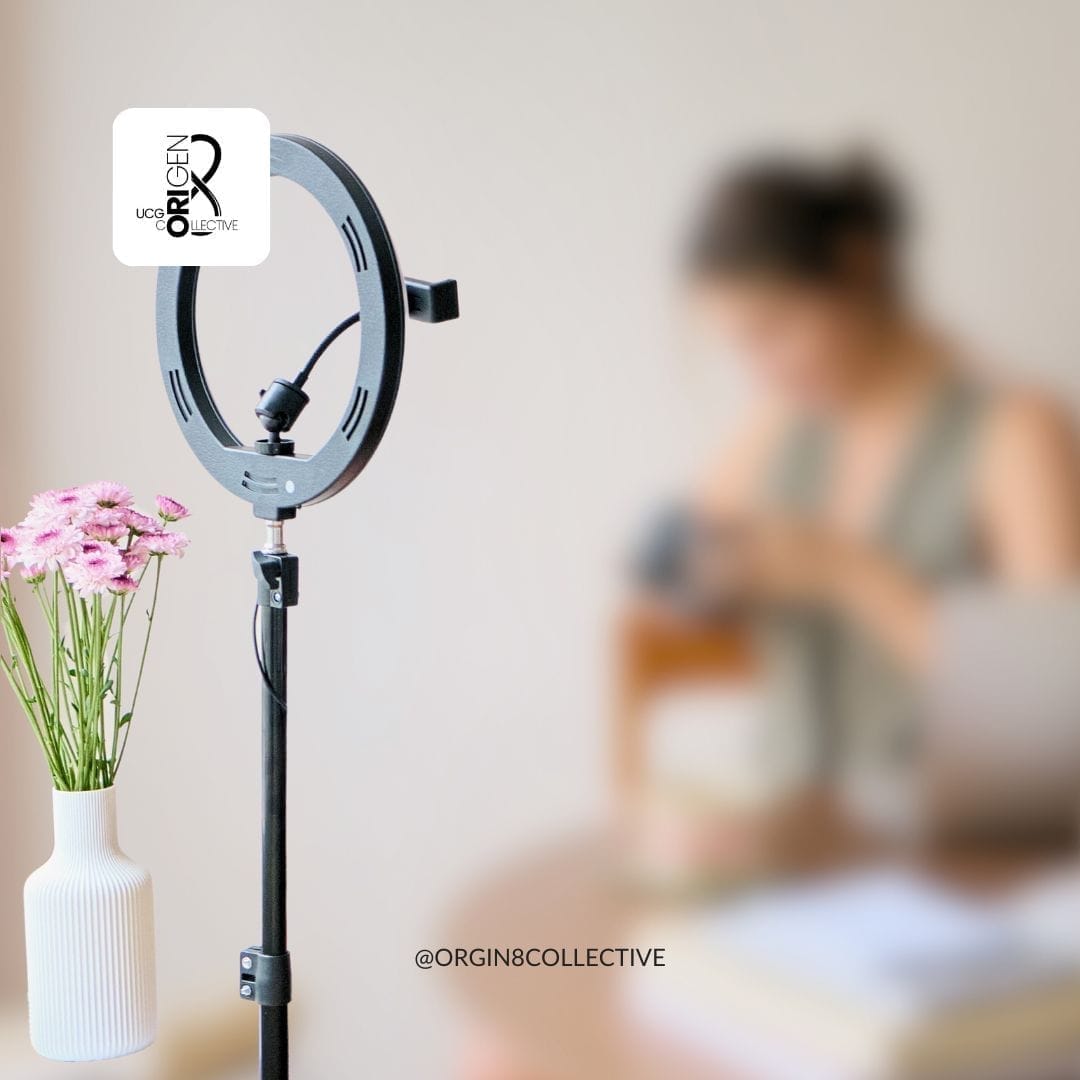
Lighting → Use natural light when possible; add a small RGB light or softbox when needed.
Audio → Upgrade with a lav mic or shotgun mic for crisp sound (phone mics are passable, but not ideal).
3. Master 4 Core Shot Types
These simple, repeatable shots will add variety and help your UGC tell a clear visual story.
Establishing Shot → Sets the scene (room, street, coffee shop).
B-Roll → Little details (coffee pouring, hands typing, shoes going on).
Wide Shot → You in the space (use ultrawide for trendy, immersive vibes).
Action Shot → Show movement (walking, reaching, cooking, packing).
🎥 Pro Tip: Switch between your phone’s lenses (standard, ultrawide, telephoto) for instant variety without moving your setup.
4. Build a Repeatable Workflow
Create a basic shot list for your day (intro → action → B-roll → outro).
Film in short, intentional clips instead of long takes.
Don’t stress about perfect order—structure comes together in the edit.
5. Avoid Overthinking
Done > Perfect.
Lighting shifts, imperfect angles, or a missed frame rate won’t ruin your vlog.
What matters: consistency, story, and showing up.
6. Choose One Platform First
Start where you’re most comfortable.
Example: YouTube for long-form storytelling, TikTok/IG for short-form lifestyle snippets.
Master one before trying to post everywhere.

7. Start With What You Have
Don’t wait for the perfect camera or brand deal.
Use your phone + 1–2 simple tools.
Focus on building confidence and rhythm—you can always upgrade later.
✅ Takeaway: Phone vlogging is about intention, not perfection. With the right settings, a repeatable shot list, and minimal gear, you can create polished, story-driven content straight from your pocket.
SHARE